
Metro Atlanta Networking & Wi-Fi Installation
Reliable Wi-Fi starts with the right network design.
The SmartHome Co. designs and installs clean, dependable home and small business networks using hardwired access points, structured cabling, secure configuration, and UniFi-first systems built for real everyday use.
Common Connectivity Problems
Fast internet does not always mean good Wi-Fi.
Many homes and small businesses pay for fast internet but still struggle with weak coverage, poor router placement, interference, overloaded devices, or Wi-Fi systems that were never designed for the space.
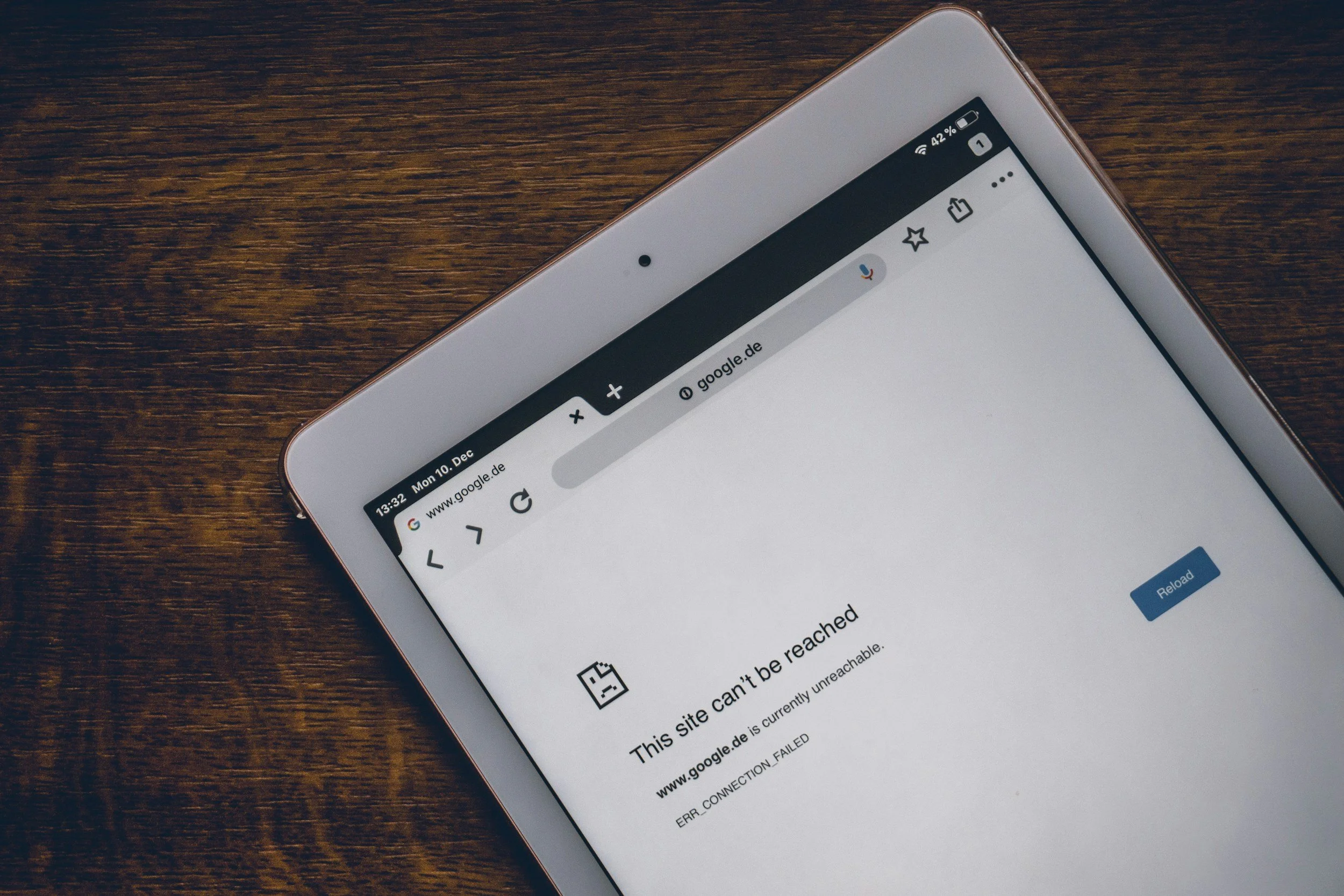
Dead zones
Weak signal in bedrooms, basements, bonus rooms, patios, garages, and detached spaces.
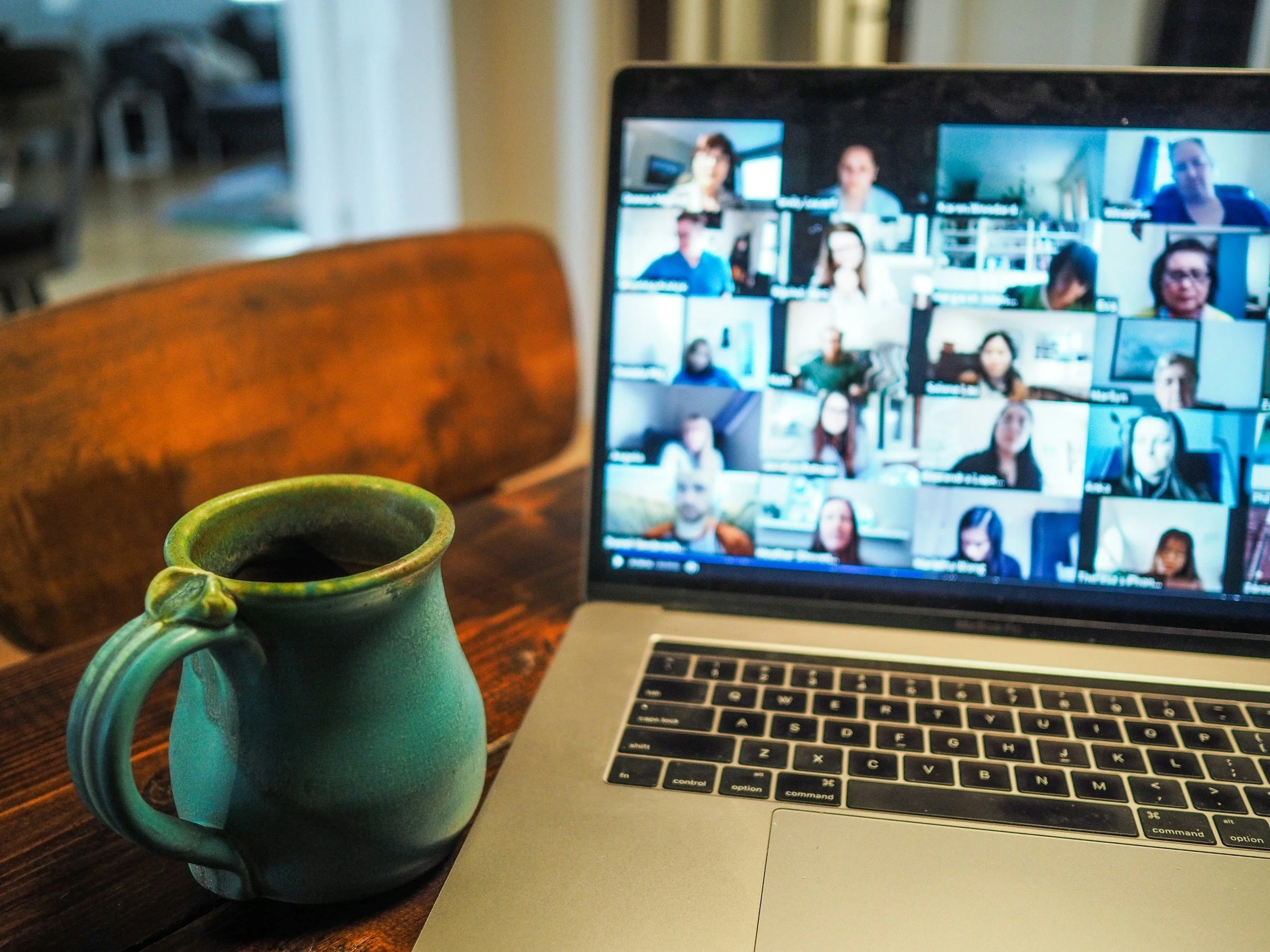
Video call issues
Frozen Zoom calls, unstable Teams meetings, slow uploads, and work-from-home headaches.
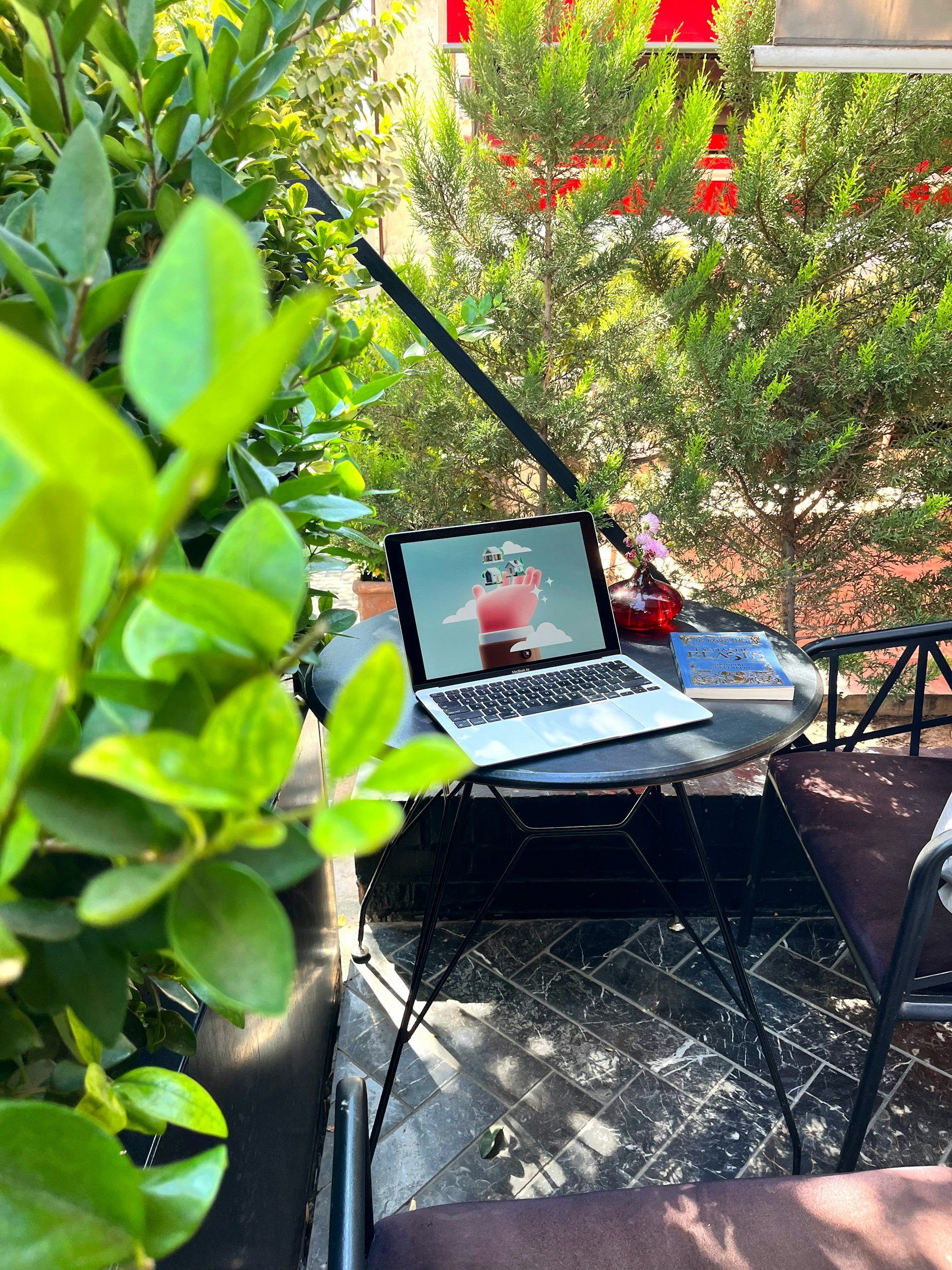
Outdoor coverage
Patios, pool areas, outdoor TVs, workshops, detached garages, and backyard offices.
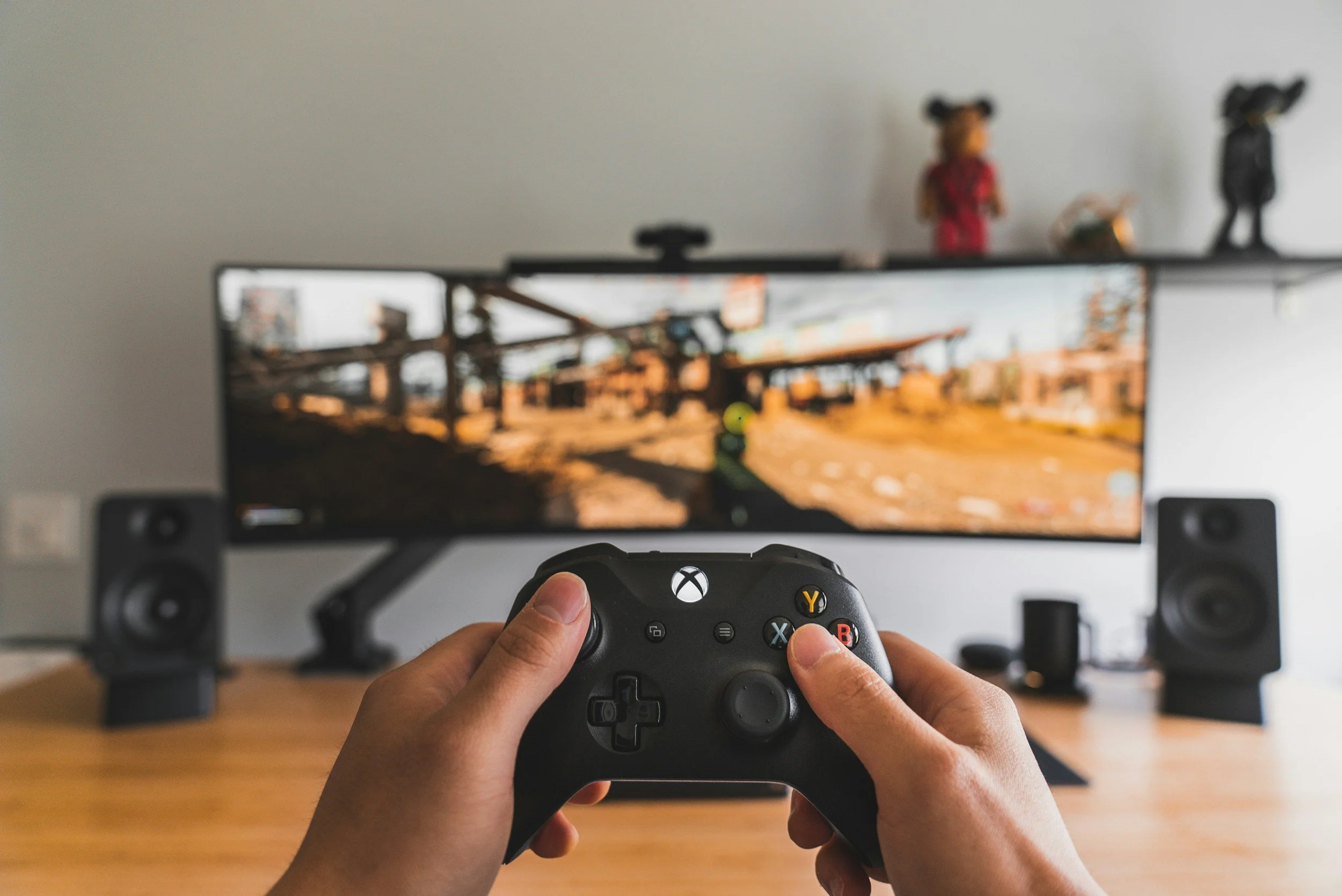
Gaming and streaming lag
High latency, buffering, unstable Apple TVs, smart TVs, gaming PCs, and consoles.
Designed Before Installed
Your network should be built around your space, not guessed from one router.
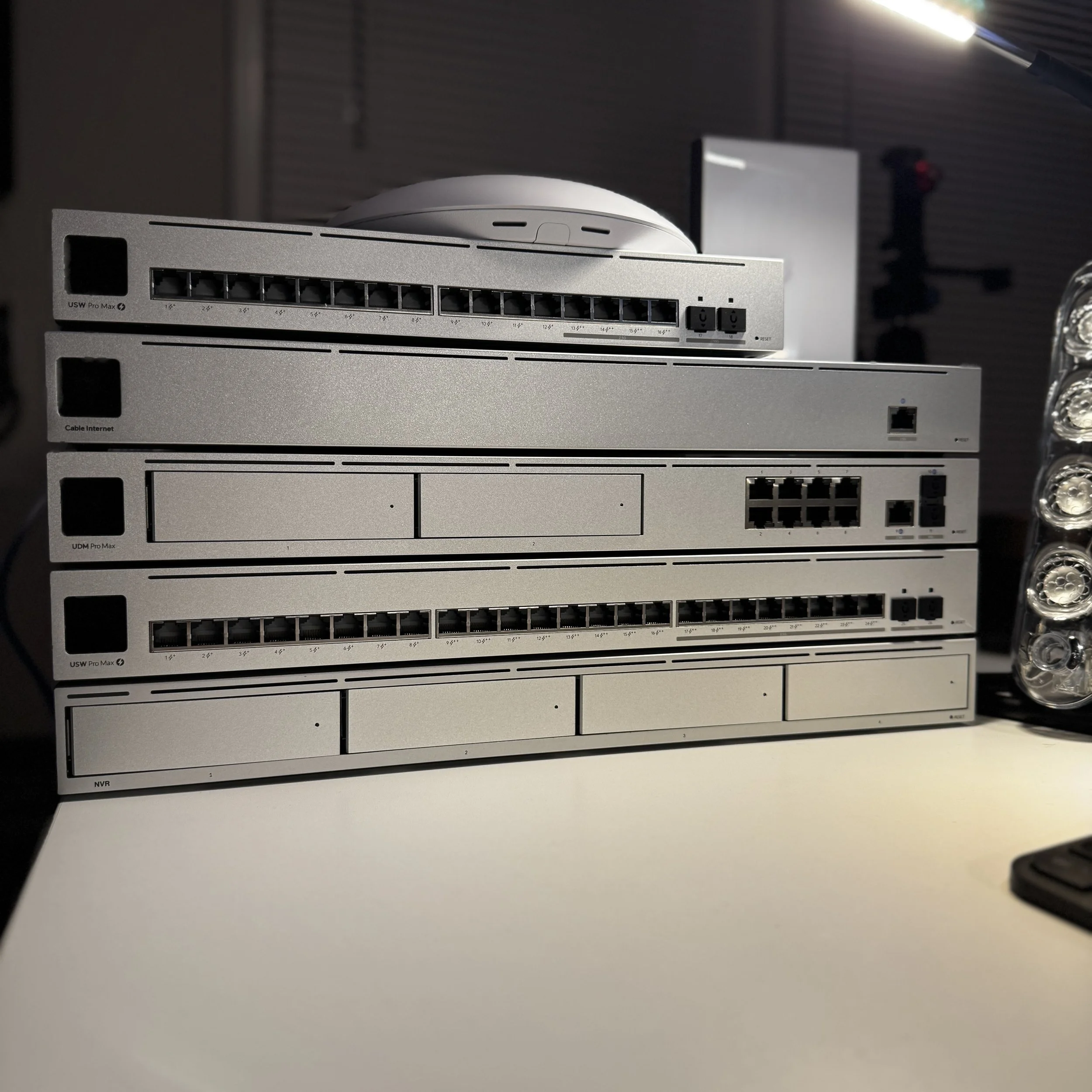
We do not just drop in a router and hope it reaches every room. We look at your layout, construction, device count, internet plan, smart home devices, camera needs, office areas, and future upgrades so the network is designed correctly from the start.
For many homes and small businesses, the best solution is a hardwired UniFi network with ceiling or wall-mounted access points, clean Cat6 cabling, a properly configured gateway, and secure network separation for guests, cameras, smart devices, and business systems.
Stronger coverage
Access points are placed where they actually support the space instead of relying on one box in a corner.
Cleaner installs
We focus on discreet hardware placement, organized wiring, labeled connections, and a professional finish.
Better device handling
Phones, TVs, cameras, speakers, thermostats, laptops, and guest devices can be organized properly.
Future-ready setup
Your system can grow with additional access points, cameras, doors, outdoor coverage, and smart home devices.
Connectivity Services
What we install and configure.
Every project is different, but the goal is the same: a clean, secure, reliable network that supports how you live, work, stream, protect, and automate your property.
UniFi gateways and routers
Properly configured network gateways for routing, security settings, remote management, and future expandability.
Wi-Fi access points
Ceiling, wall, and outdoor access points placed for stronger coverage and smoother roaming throughout the property.
PoE network switches
Power and data for access points, cameras, door stations, and other connected devices using clean low-voltage wiring.
Cat6 and Cat6A cabling
Hardwired network drops for TVs, offices, gaming systems, access points, cameras, printers, and business devices.
Outdoor Wi-Fi coverage
Wi-Fi for patios, pools, outdoor TVs, detached garages, workshops, guest houses, and backyard workspaces.
Network racks and cleanup
Structured panels, small racks, patch panels, cable labeling, equipment organization, and cleaner network closets.
Guest and IoT networks
Separate Wi-Fi networks for guests, smart home devices, cameras, speakers, business systems, and private devices.
Small business networking
Reliable Wi-Fi, secure guest access, POS separation, VoIP support, camera network planning, and office connectivity.
Why We Recommend UniFi
Consumer mesh is convenient. A professionally designed network is dependable.
Mesh Wi-Fi can work for simple homes, but larger homes, smart homes, camera systems, outdoor spaces, and small businesses usually need a stronger foundation.
| Network Need | Typical Consumer Mesh | Professional UniFi Design |
|---|---|---|
| Whole-property coverage | Often depends on wireless nodes repeating signal from one area to another. | Hardwired access points are placed where coverage is needed, reducing weak spots and unreliable handoffs. |
| Speed consistency | Performance can drop when mesh nodes rely on wireless backhaul. | Cat6 cabling and PoE switches help each access point deliver stronger, more consistent performance. |
| Smart home reliability | Ring, Sonos, cameras, thermostats, and smart devices may fight for space on one network. | Dedicated IoT networks help organize smart devices and improve long-term reliability. |
| Guest access | Guest Wi-Fi is usually basic and may not be ideal for business or shared spaces. | Secure guest networks can be separated from private devices, POS systems, cameras, and office computers. |
| Appearance | Plastic towers, wires, and power adapters often sit on counters, desks, and shelves. | Low-profile access points and clean cabling create a more discreet, professional installation. |
| Support and visibility | Troubleshooting often means unplugging equipment and guessing what went wrong. | UniFi management tools provide better visibility into devices, connection quality, updates, and system health. |
Final equipment recommendations depend on your floor plan, building materials, device count, internet plan, and project goals.
Residential + Small Business
Built for the way people actually use the internet.
Whether you need better Wi-Fi at home or a more reliable network for your business, we design systems around real use: work, streaming, cameras, smart devices, guests, staff, and future upgrades.
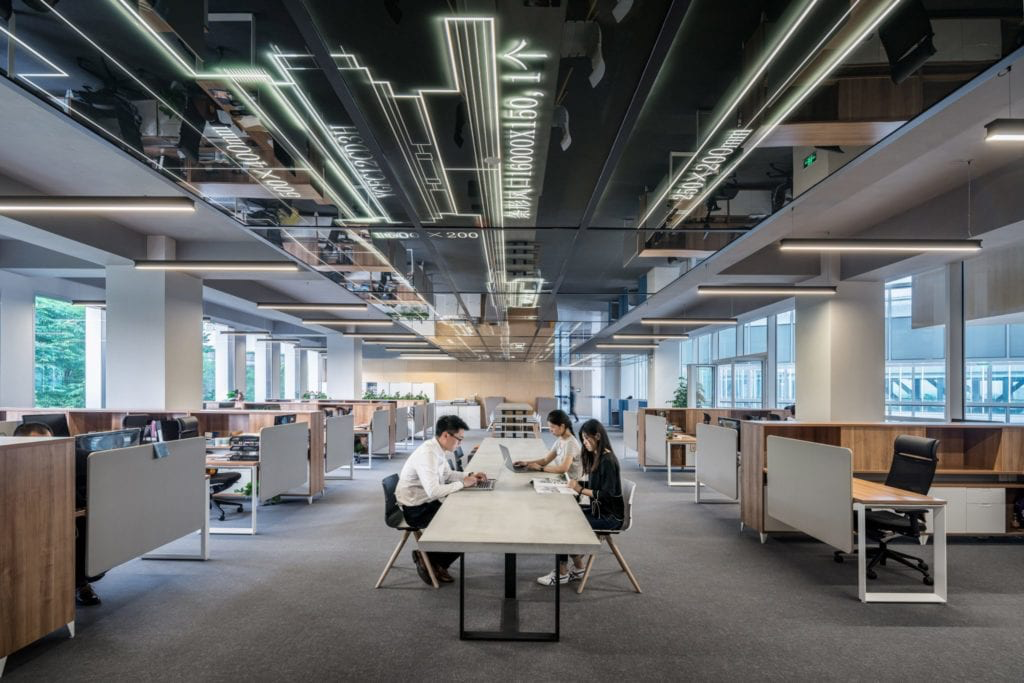
Small offices and suites
Clean, professional Wi-Fi and wired networking for offices, shared workspaces, conference rooms, and client-facing businesses.
- Staff Wi-Fi and guest Wi-Fi separation
- Reliable video meetings and VoIP support
- Network rack and cabling organization
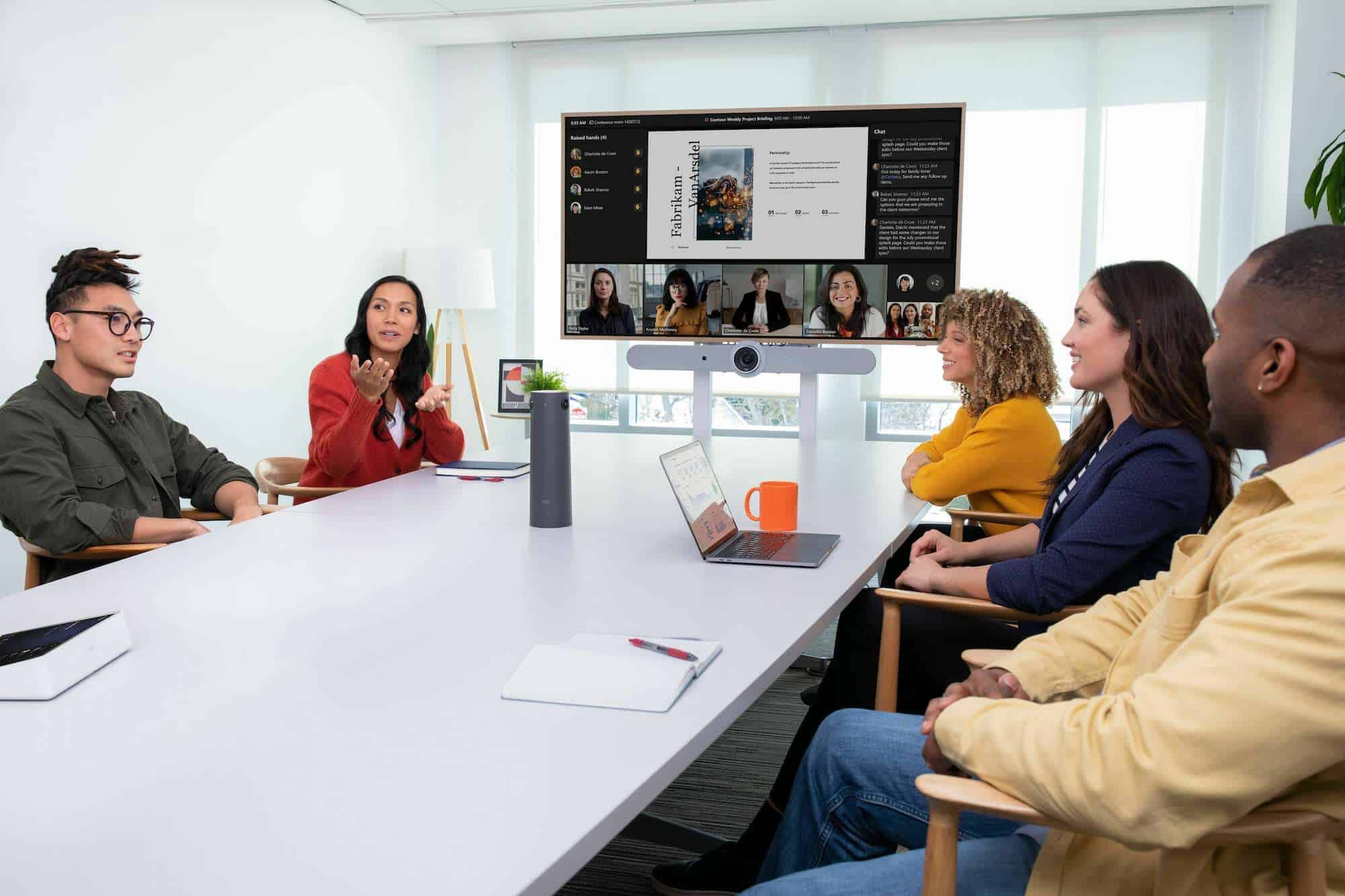
Work-from-home and hybrid spaces
Better network performance for home offices, Zoom calls, Teams meetings, cloud applications, printers, and shared family use.
- Hardwired office drops where possible
- Improved upload stability
- Better device roaming throughout the home

Retail, salons, cafes, and public spaces
Guest-friendly Wi-Fi that keeps customer devices separate from business systems like POS, staff computers, and cameras.
- Secure guest network setup
- POS and office device separation
- Coverage planning for difficult layouts

Our Process
A better network starts with a better plan.
We take the time to understand your property before recommending equipment. That helps avoid wasted hardware, poor placement, unnecessary clutter, and repeat service calls.
Discovery and site review
We discuss your issues, internet plan, building layout, device count, smart home needs, business needs, and future goals.
Network design and proposal
We recommend access point locations, cabling routes, rack or closet organization, and the right hardware for the space.
Clean installation
We install cabling, mount access points, organize equipment, label connections, and keep the finished setup clean and serviceable.
Configuration and handoff
We configure Wi-Fi, security settings, guest networks, IoT networks, device names, updates, and walk you through the basics.
Network Cleanup + Troubleshooting
Already have equipment, but everything feels messy or unreliable?
We can help clean up existing network closets, replace weak equipment, improve cabling, reconfigure Wi-Fi, separate devices, and bring order to systems that have been patched together over time.
Connectivity FAQ
Questions homeowners and business owners ask us.
Not every Wi-Fi issue requires a huge system, but every reliable system needs the right design, placement, cabling, and configuration.
Do I still need Xfinity, AT&T, Google Fiber, or another internet provider?
Yes. Your internet provider brings internet service to the property. We design and install the network inside the property so that connection is distributed properly to your rooms, access points, TVs, cameras, smart devices, offices, and outdoor areas.
Why is my internet fast on paper but slow on my phone or TV?
The problem is often Wi-Fi coverage, router placement, interference, weak hardware, or too many devices competing on the same network. We look at the full system, not just the speed number on your internet bill.
Is hardwired Ethernet better than Wi-Fi?
For stationary devices, yes. TVs, gaming systems, desktop computers, printers, access points, and cameras are usually better on a wired connection. That keeps Wi-Fi cleaner for phones, tablets, laptops, and mobile devices.
Can you get Wi-Fi to a detached garage, pool house, or backyard office?
Yes. Depending on the property, we may recommend outdoor-rated access points, underground cabling, or a point-to-point wireless bridge. The right solution depends on distance, line of sight, building materials, power availability, and the type of devices you need connected.
Can you help with Ring, Sonos, smart TVs, and smart home devices disconnecting?
Yes. Smart devices often expose weaknesses in the network. We can improve coverage, create a dedicated IoT network, adjust settings, and make sure devices have the stable connection they need.
Do you install Wi-Fi for small businesses?
Yes. We install small business networks for offices, retail spaces, salons, service businesses, conference rooms, and similar environments. We can separate guest Wi-Fi from staff devices, POS systems, cameras, and office equipment.
Can you clean up my existing network closet or rack?
Yes. We can organize equipment, label cables, install patch panels, replace outdated hardware, improve cable management, and make the setup easier to service in the future.
When should I contact you for a new construction or renovation project?
The best time is before drywall goes up. That allows us to plan Cat6 cabling, access point locations, TV locations, camera wiring, speaker wiring, and structured wiring while the walls are open.
Still not sure what your property needs?
We can look at your layout, current equipment, problem areas, and goals, then recommend a practical path forward.
Book a Free ConsultationReady for Wi-Fi that finally works the way it should?
The SmartHome Co. helps homeowners and small businesses across Metro Atlanta get reliable coverage, cleaner cabling, better device performance, and networks that are easier to manage.