
Home Security FAQ’s
Home Security FAQs: Cameras, Smart Locks, Alarms, and Better Protection
Home security does not have to be confusing. These are some of the most common questions homeowners ask about cameras, video doorbells, smart locks, motion sensors, alarms, lighting, and Wi-Fi reliability.
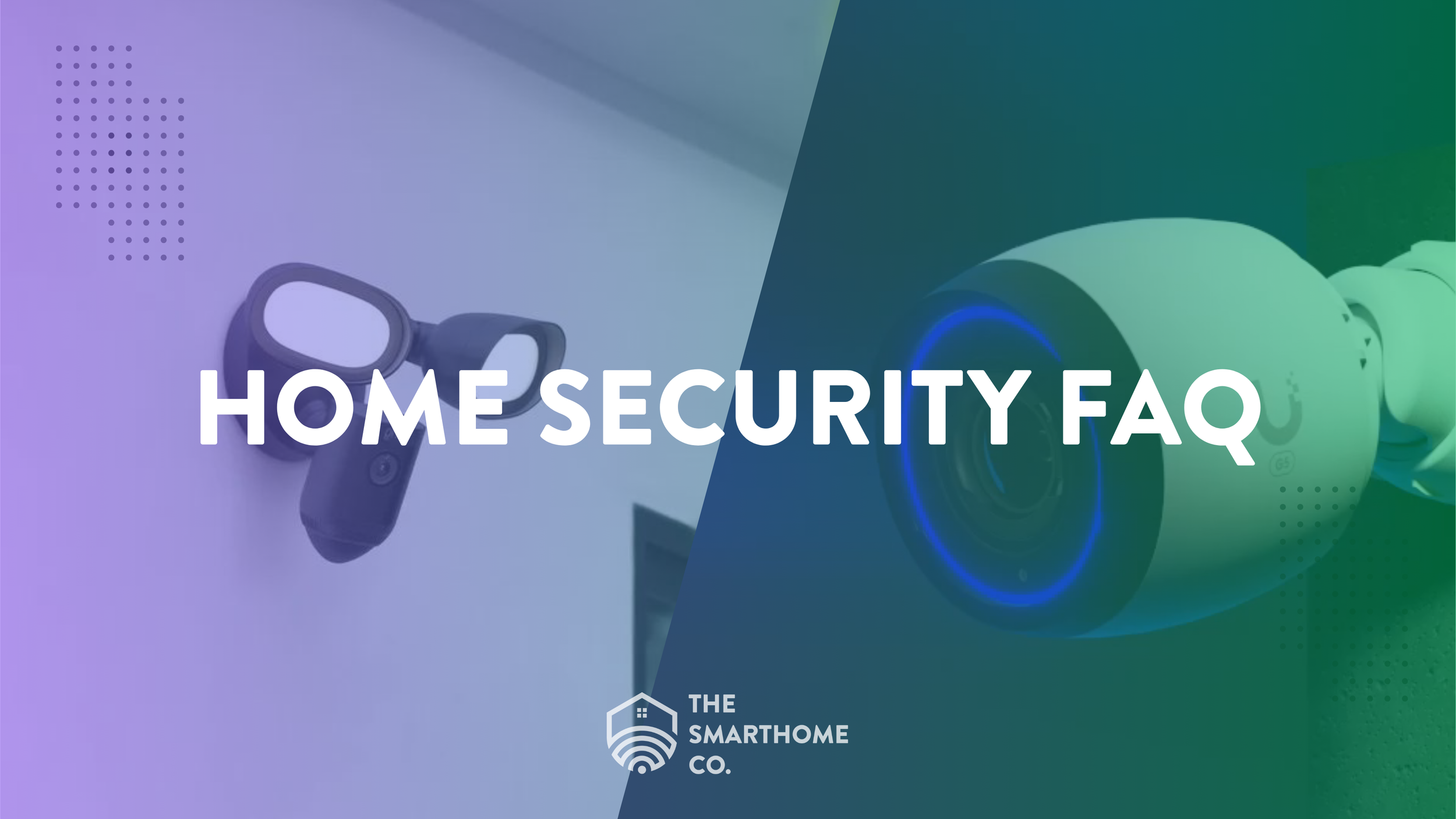
What this article covers
- Whether security cameras actually make a difference.
- Which devices work best with cameras.
- How to build a simple layered security setup for your home.
Do security cameras make a difference?
Yes. Visible security cameras can deter suspicious activity, provide real-time awareness, help monitor packages and visitors, and capture useful evidence if something happens.
Deterrence
Cameras show that the property is monitored and recorded.
Awareness
Live viewing and alerts help you know what is happening even when you are away.
Evidence
Recorded footage can help with law enforcement, insurance, and neighborhood awareness.
Peace of Mind
Entry points, driveways, and common areas feel more secure when properly monitored.
What works best with security cameras?
Cameras are important, but they work even better as part of a complete home security plan. The best systems combine visibility, access control, alerts, lighting, and network reliability.
Smart door locks
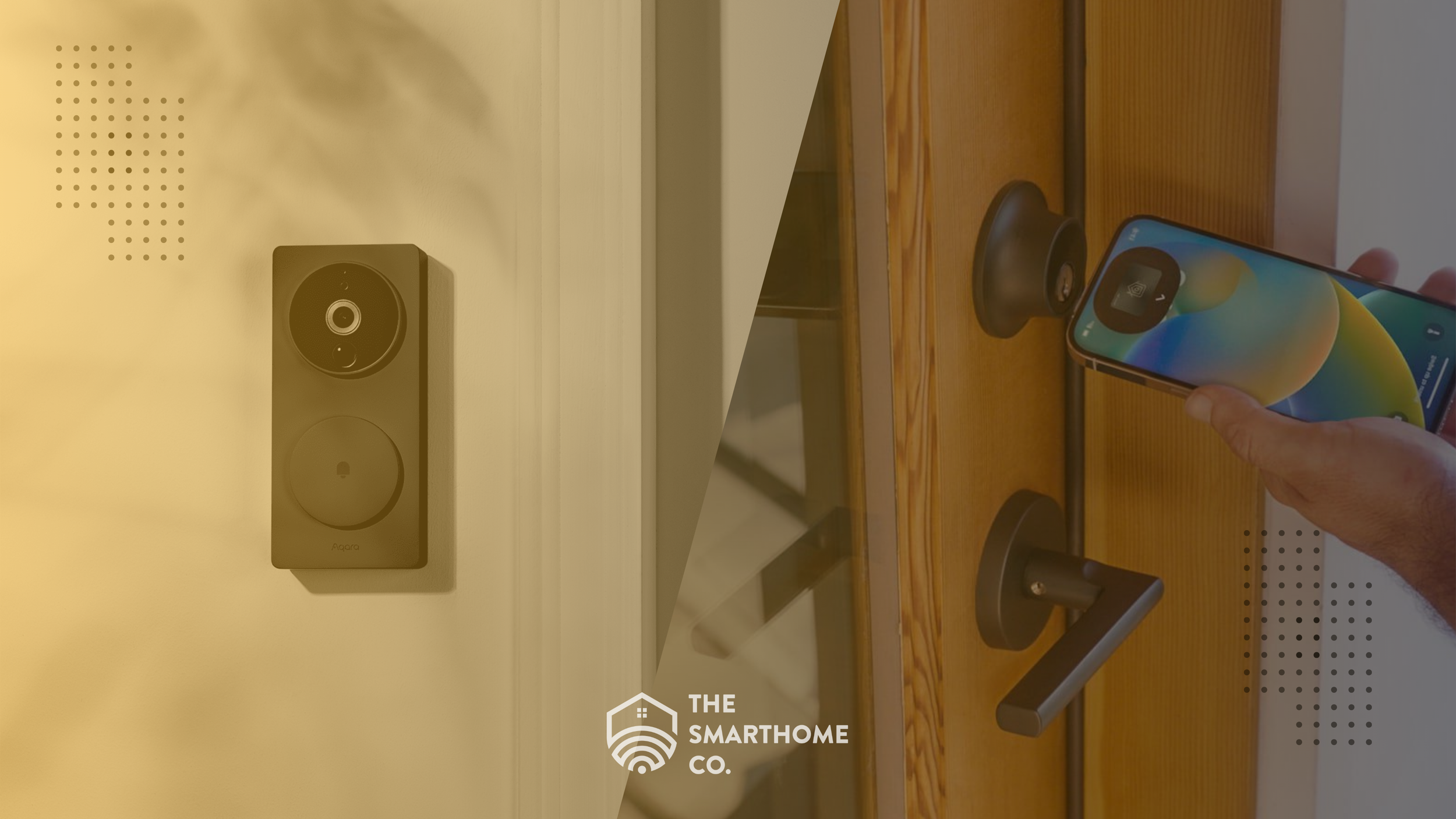
Smart locks let you lock and unlock doors remotely, create temporary codes, check access history, and reduce the risk of leaving a door unlocked.
Video doorbells
Doorbell cameras are ideal for front entry monitoring, package visibility, two-way audio, and visitor awareness.
Motion sensors
Motion sensors can trigger alerts, lights, alarms, or camera recordings when activity is detected.
Alarm systems
Alarms add a stronger response layer. A loud siren or professional monitoring option can help escalate an issue quickly.
Smart lighting
Motion lighting helps remove hiding spots, improves nighttime camera visibility, and makes the home look occupied.
Strong Wi-Fi and networking
Smart security depends on reliable connectivity. Weak Wi-Fi can cause missed recordings, delayed alerts, offline cameras, and poor video quality.
Example home security setup
- Front of home: doorbell camera, smart lock, motion light.
- Inside home: entry sensors, hallway motion sensor, indoor camera where appropriate.
- Whole property: perimeter cameras, alarm system, mobile alerts, and reliable Wi-Fi with battery backup.
The bottom line
The best home security system is not always the one with the most devices. It is the one designed around your property, your habits, your entry points, and the way your family actually uses the home.
Need help designing a home security system?
The SmartHome Co. designs and installs security cameras, smart locks, video doorbells, alarm systems, motion lighting, and networking upgrades for homes across Metro Atlanta.
Explore Security & Access Control