
The “Invisible” Smart Home: How to Hide Technology Without Losing Functionality
The “Invisible” Smart Home: How to Hide Technology Without Losing Functionality
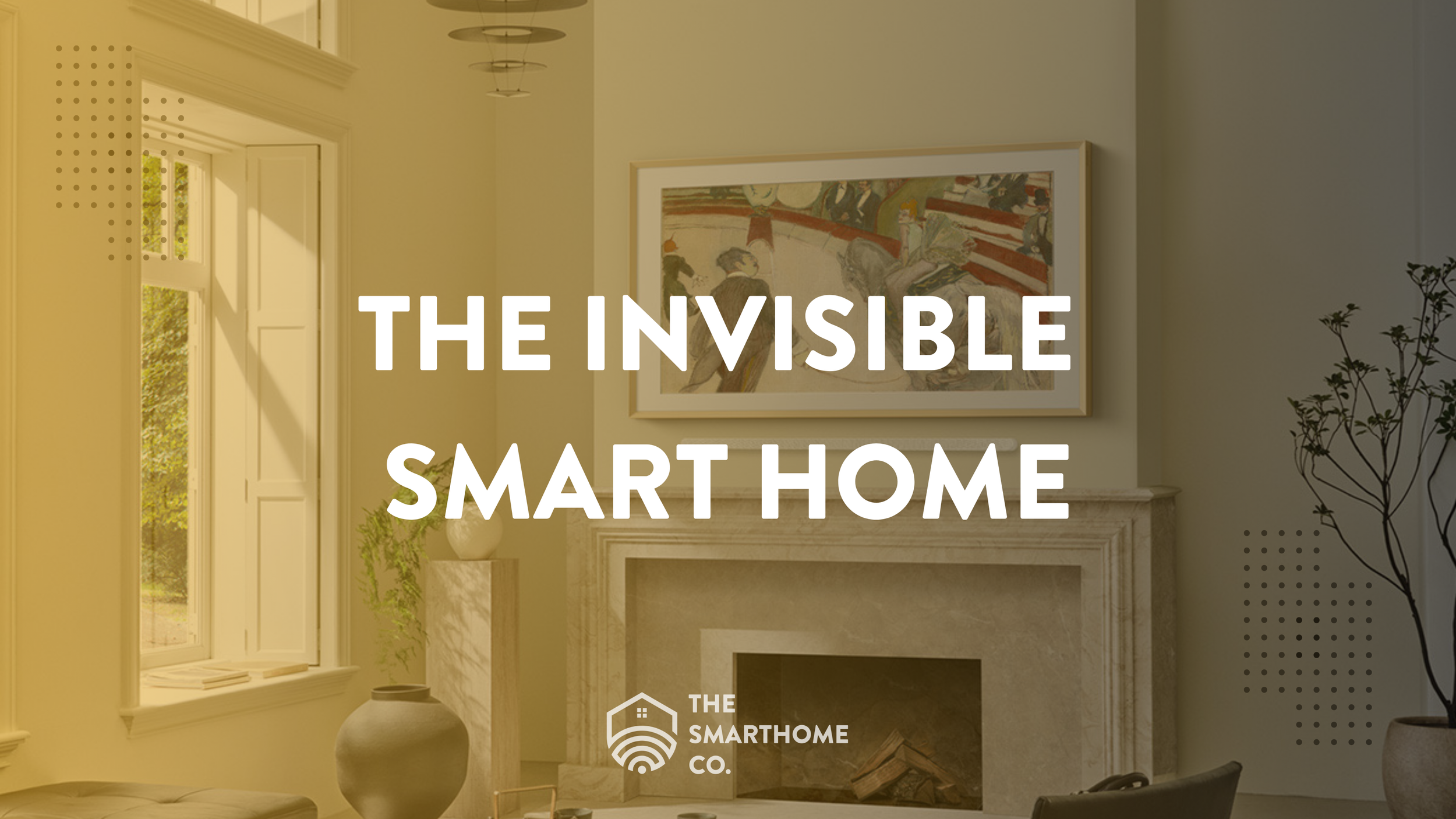
A great smart home should make life easier without making every room look like a tech showroom. The best systems blend into the home, stay easy to use, and quietly support the way you live every day. That is what we call the invisible smart home: technology that works hard in the background without taking over your design.
What this article covers
- What an invisible smart home actually means.
- How to hide smart home technology without weakening performance.
- Why wiring, Wi-Fi design, equipment placement, and service access matter.
- How a technology integrator helps make smart homes look cleaner and work better.
What is an invisible smart home?
An invisible smart home is a home where technology is intentionally concealed, blended into the design, or centralized out of sight while still staying reliable, accessible, and easy to use.
That can include hidden TV wiring, in-ceiling speakers, discreet sensors, flush-mounted Wi-Fi access points, centralized networking equipment, clean camera placement, smart lighting scenes, and automation that works without making the home feel cluttered.
The goal is not to remove technology. The goal is to integrate it better.
SEO quick answer
An invisible smart home uses concealed wiring, centralized equipment, discreet sensors, in-wall or in-ceiling speakers, flush-mounted access points, clean camera placement, and integrated automation so the home stays uncluttered without losing speed, coverage, security, or reliability.
Why homeowners want technology to disappear
Most homeowners like what smart technology can do. They want better Wi-Fi, cleaner TV setups, security cameras, smart locks, lighting control, audio, and automation. What they do not want is the visual clutter that often comes with poor planning.
The frustration usually starts with visible cords, random adapters, blinking hubs, countertop speakers, exposed camera wiring, mesh nodes sitting on furniture, and too many devices that all look like they were added after the fact.
Visible clutter
Power bricks, cords, exposed cables, hubs, adapters, and devices sitting on furniture can make a home feel unfinished.
Mismatched devices
Different brands, different apps, different finishes, and different styles can make a system feel thrown together.
Poor placement
Routers behind TVs, cameras in awkward corners, speakers on counters, and sensors in visible locations often hurt both design and performance.
Reliability issues
Weak Wi-Fi, delayed automations, spotty camera feeds, and inconsistent audio are usually signs that the system was not designed properly.
The invisible smart home starts with planning
The biggest difference between a clean smart home and a messy one is planning. A technology integrator looks at the home as a complete system: architecture, wiring, network design, equipment locations, camera angles, audio zones, device compatibility, service access, and the way the family actually uses the space.
That is very different from simply buying devices and figuring out placement later. Invisible smart homes are designed before they are installed.
The 5 rules of an invisible smart home
1. Centralize the brains of the system
Instead of scattering equipment around the home, the cleanest smart homes usually centralize the core technology in one planned location. This may be a structured wiring panel, equipment rack, closet, basement, utility room, or dedicated low-voltage space.
The goal is to keep the visible rooms clean while making the system easier to manage and service.
- Internet modem
- Router or network gateway
- Network switches
- Camera recorder or NVR
- Audio amplifiers or distribution equipment
- Smart home hubs or controllers
- Surge protection and battery backup
When this equipment is planned correctly, you reduce visible devices, simplify troubleshooting, and create a better foundation for future upgrades.
2. Keep hidden technology accessible
Hidden should not mean buried. One of the biggest mistakes in smart home design is hiding technology so well that nobody can service it later.
Equipment should be concealed, but still reachable. Cables should be labeled. Racks should have space. Devices should have airflow. Important wiring paths should be accessible. Good integration considers both appearance and long-term serviceability.
- Use a dedicated closet, rack, or panel when possible.
- Label network, camera, audio, and control wiring.
- Leave service loops for future adjustments.
- Plan ventilation for enclosed equipment.
- Use access panels where appropriate.
Integrator rule
The goal is concealed and accessible, not sealed away forever. A clean system should still be easy to troubleshoot, upgrade, and maintain.
3. Hardwire what matters
Wi-Fi is important, but Wi-Fi is not a complete strategy. The most invisible smart home upgrade is often the wiring you never see.
Low-voltage wiring, especially Cat6 Ethernet, gives your home a stronger foundation. It reduces the need for visible mesh nodes, improves reliability for important devices, and supports cameras, access points, smart TVs, home offices, and network equipment.
Hardwiring key devices can reduce wireless congestion, improve speed, and create a cleaner-looking home because fewer devices need to sit out in the open.
4. Match technology to the room
Invisible technology is not always fully hidden. Sometimes it is simply designed to blend in.
That means using the right finish, the right placement, the right mounting style, and the right product for the room. A camera, speaker, access point, keypad, or sensor should be placed where it performs well without becoming the first thing people notice.
- In-ceiling speakers with paintable grilles
- Flush-mounted or low-profile Wi-Fi access points
- Recessed TV boxes and in-wall cable pathways
- Smart locks that match door hardware finishes
- Discreet sensors placed for function and aesthetics
- Security cameras positioned for coverage without overwhelming the exterior
5. Use better design to reduce device count
A cleaner smart home usually has fewer devices, not more. Instead of solving every problem with another gadget, a properly designed system uses the right infrastructure and the right placement from the beginning.
Better Wi-Fi design
One properly designed network often performs better than multiple random extenders or mesh nodes placed around the home.
Better camera placement
A few well-placed cameras can provide better coverage than several battery cameras mounted in weak locations.
Better audio planning
In-ceiling, in-wall, or distributed audio can reduce the need for portable speakers sitting in every room.
Better control strategy
Smart scenes, keypads, app control, and automation reduce the need to manually manage every individual device.
A practical visibility vs. functionality matrix
Every hidden technology decision has a balance. Some devices can disappear almost completely. Others need to remain partially visible to perform well. The key is knowing what should be hidden, what should be blended in, and what should stay accessible.
Best hidden completely
Network switches, camera recorders, audio amplifiers, power protection, hubs, and structured cabling should usually live in a closet, rack, or panel.
Best discreetly visible
Wi-Fi access points, cameras, keypads, sensors, and speakers should be placed for performance while blending into the room.
Best planned before drywall
Ethernet, speaker wire, camera wire, shade power, TV cable pathways, conduit, and access point locations are easiest to integrate early.
Best left serviceable
Anything that may need updates, resets, replacement, airflow, or troubleshooting should remain accessible even if it is visually hidden.
Room-by-room: how to hide smart home technology
Living room and family room
The living room is usually where clutter shows the most. TVs, soundbars, game consoles, streaming boxes, speakers, remotes, cables, and routers can quickly make a clean space look messy.
A better approach is to plan the entertainment wall as a complete system. That includes TV height, wall type, power, Ethernet, HDMI routing, soundbar or speaker placement, and where the media devices will live.
- In-wall cable concealment
- Recessed TV boxes
- Dedicated Ethernet behind the TV
- Hidden Apple TV, streaming devices, or media sources
- In-wall or in-ceiling speakers where appropriate
- Soundbar planning with clean power and signal routing
Fireplace TVs require extra planning. Heat, viewing height, mount selection, cable routing, and device placement all need to be handled correctly if the final setup is going to look clean and feel comfortable.
Kitchen
Kitchens benefit from smart technology, but they should not feel crowded with gadgets. The best kitchen integrations usually support convenience without stealing counter space.
- In-ceiling audio instead of countertop speakers
- Smart lighting scenes for cooking, dining, and entertaining
- Intentional voice assistant placement when needed
- Hidden charging or device storage areas
- Reliable Wi-Fi coverage without visible router equipment
Bedrooms
Bedrooms should feel calm and simple. Technology should support comfort, privacy, lighting, shades, climate, and nighttime routines without creating distraction.
- Lighting scenes such as Relax, Night, and Wake
- Quiet Wi-Fi coverage without visible mesh nodes
- Motorized shades with hidden power where possible
- Simple bedside control through keypads, apps, or voice control
- Clean TV mounting with hidden wiring when a TV is included
Home office
For many homeowners, the home office is one of the most important rooms to wire correctly. Video calls, file uploads, cloud tools, printers, docking stations, and work devices all benefit from a more stable connection.
- Hardwired Ethernet at the desk location
- Clean cable management under and behind the desk
- Wi-Fi access points positioned for performance
- Dedicated power and network planning for monitors and equipment
- Hidden pathways for printers, docking stations, and office gear
Exterior and entry points
Security should be effective without making the home look like a commercial surveillance facility. That requires thoughtful camera placement, clean wiring, weatherproofing, lighting, and hardware selection.
- Doorbell cameras mounted at the right height
- Exterior cameras aimed at approach paths and blind spots
- Clean conduit only when necessary and installed intentionally
- Smart locks matched to door hardware finishes
- Motion lighting that improves both safety and camera visibility
The backbone: low-voltage planning
If you are building, remodeling, finishing a basement, or opening walls, that is the best time to make smart home technology disappear.
Low-voltage pre-wire gives the home the infrastructure it needs before walls are closed. That makes future technology cleaner, more reliable, and usually less expensive to install later.
- Cat6 Ethernet to TVs, offices, access points, cameras, and key device locations
- Speaker wire to in-ceiling, in-wall, patio, and theater speaker locations
- Conduit for future cable upgrades
- Power planning for TVs, shades, network equipment, and media walls
- Centralized wiring paths to a rack, panel, closet, or equipment area
Cost-saver insight
A small amount of planning during construction or remodeling can prevent wall cutting, visible cable channels, awkward equipment placement, and extra wireless devices later.
Invisible Wi-Fi: the detail most homeowners miss
A clean smart home often fails because Wi-Fi was treated as an afterthought. If the network is weak, everything connected to it feels unreliable.
Invisible Wi-Fi is not about hiding a router in the worst possible location. It is about designing the network so coverage is strong without needing visible equipment in every room.
- Use wired backhaul whenever possible.
- Place ceiling or wall access points intentionally.
- Centralize core networking equipment.
- Hardwire important devices like TVs, offices, and cameras.
- Design for roaming so devices move smoothly through the home.
When Wi-Fi is designed correctly, the system feels invisible because it simply works.
Invisible smart home checklist
Before buying devices, ask these questions:
- Where will the network equipment and smart home gear live?
- Is there enough power, ventilation, and service access in that location?
- Do key devices have Ethernet available?
- Are Wi-Fi access points planned by coverage instead of convenience?
- Can TV wiring be routed inside the wall?
- Are speakers, cameras, and sensors placed for both performance and appearance?
- Can the system be serviced later without cutting drywall?
- Are the selected devices compatible with the larger smart home plan?
Common mistakes that make smart homes look messy
Most cluttered smart homes are not messy because the homeowner bought the wrong idea. They are messy because the system grew without a plan.
- Buying devices first and planning second
- Using Wi-Fi to compensate for missing wiring
- Putting the router where it looks convenient instead of where it performs well
- Mounting a TV without planning power, Ethernet, HDMI, and device storage
- Mixing too many brands and apps without a clear control strategy
- Hiding equipment with no ventilation or service access
- Choosing cameras based only on appearance instead of coverage and placement
When should you bring in a technology integrator?
A technology integrator is especially valuable when the project involves design, wiring, compatibility, multiple systems, or future planning. The earlier we are involved, the cleaner the final result usually is.
New construction or remodeling
The best time to plan hidden wiring, access points, speakers, cameras, shades, and TV locations is before walls are closed.
Clean TV and A/V design
TV mounting, soundbars, hidden devices, in-wall cabling, and media equipment all benefit from a complete plan.
Reliable security systems
Camera placement, wiring, recording, lighting, network stability, and app configuration all affect long-term performance.
Whole-home technology
Wi-Fi, audio, lighting, cameras, locks, climate, and automation work better when designed as one connected system.
Final thoughts
The invisible smart home is not about hiding technology at all costs. It is about making smart technology feel intentional, reliable, and natural inside the home.
The best systems do not demand attention. They support the way you live, improve comfort and security, reduce clutter, and make the home easier to use.
If you want technology that blends into your home without sacrificing performance, the answer is not more gadgets. It is better design, better wiring, better integration, and a smarter long-term plan.
Want an invisible smart home in Metro Atlanta?
The SmartHome Co. designs, integrates, and supports smart home systems that blend into your space while staying fast, reliable, and easy to use. We help with clean TV mounting, hidden wiring, whole-home Wi-Fi, discreet cameras, smart lighting, audio, automation, and low-voltage planning for homes and small businesses across Marietta and Metro Atlanta.
Plan Your Smart Home