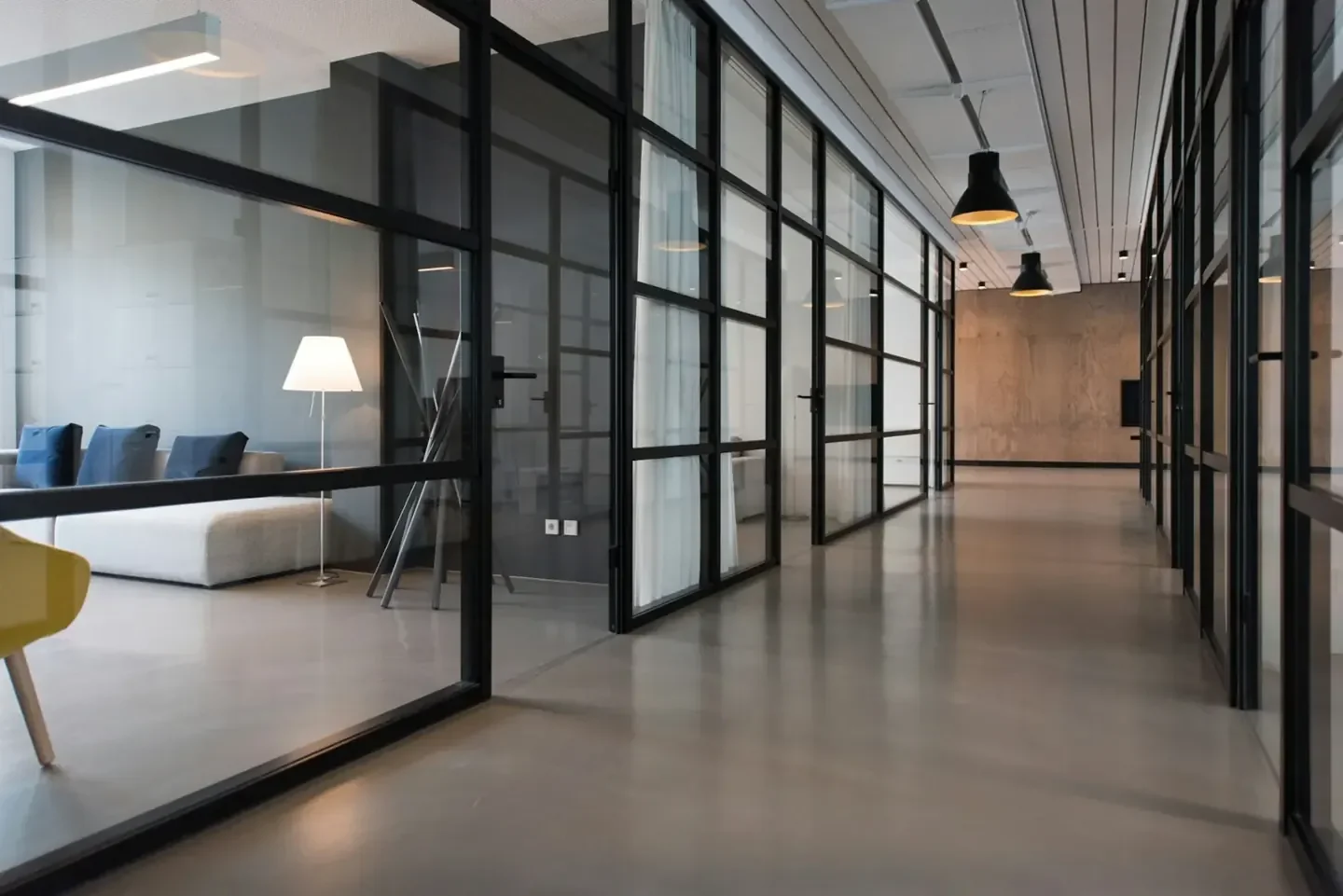
Designed around the workday
Good technology.
Less friction.
A busy workplace depends on more than a fast internet plan. We connect the people, spaces, and systems behind your day—with UniFi at the center of our networking, camera, and access-control work.
Keep work moving.
Plan Wi-Fi coverage, wired connections, and equipment around the places your team actually works.
Know what’s happening.
Define useful camera views, recording needs, and who should be able to see or manage each system.
Make it easier to use.
Give your team clear controls, organized equipment, and a walkthrough of the tasks they will use every day.
01 / UniFi networking
A stronger foundation.
For every connection.
Video calls. Workstations. Payment terminals. Guest devices. We plan the network around what connects, where it connects, and who needs access.
- 01Coverage with a purpose
Place and configure access points around your layout, building materials, device load, and working areas.
- 02The right separation
Set up staff, guest, and equipment networks with access rules defined for the project.
- 03A complete connection plan
Coordinate the gateway, switches, cabling, and internet handoff so they work as a system.
The foundation · UniFi Network
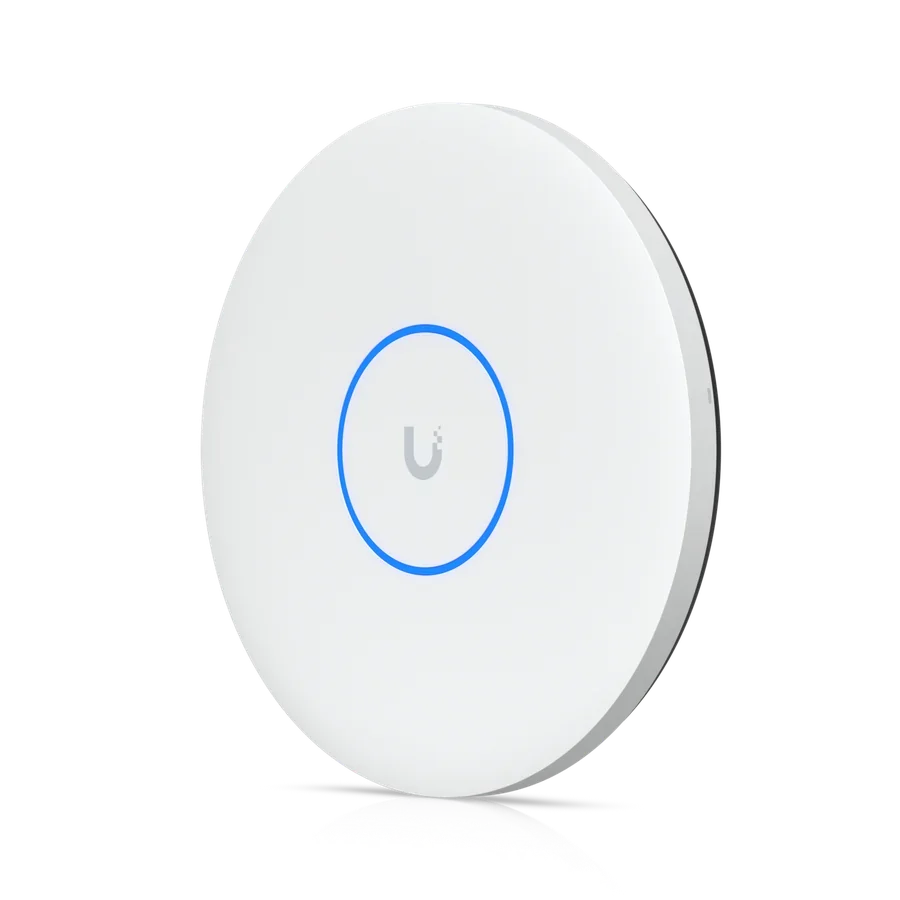
- Staff & guest Wi-Fi
- Wired workstations
- Switching & cabling
- Equipment connectivity
The visibility · UniFi Protect
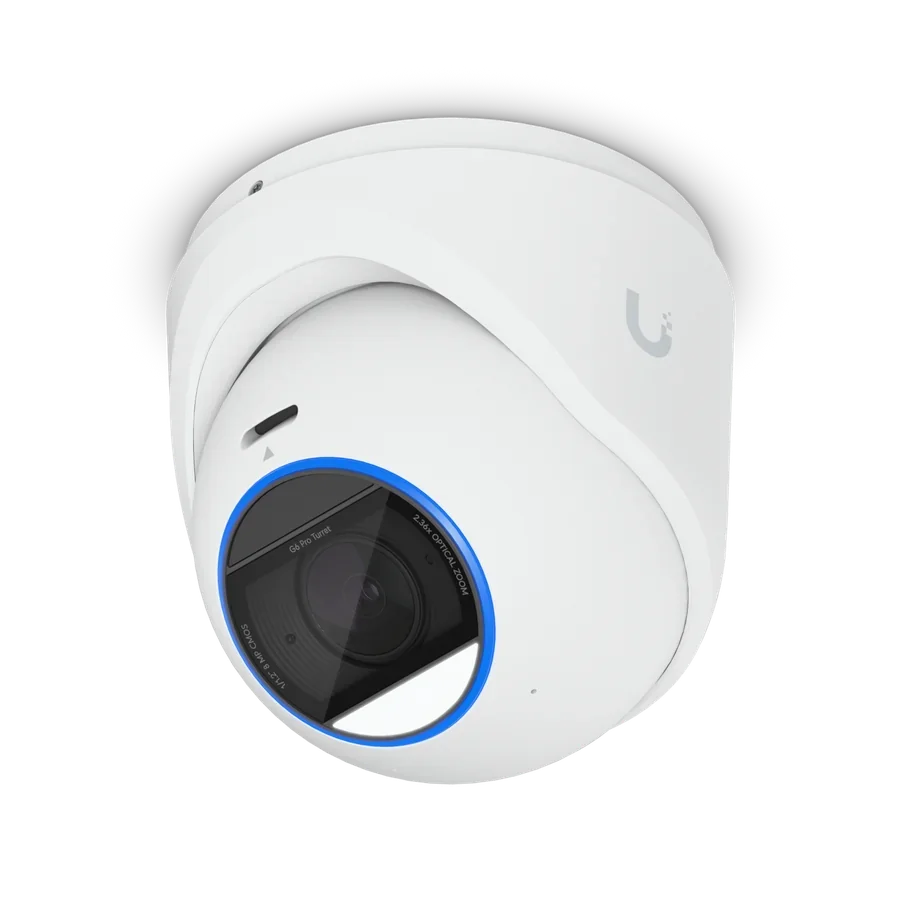
02 / Security cameras & local recording
See the details.
Keep the context.
A useful camera system starts with a clear coverage plan. We look at entrances, customer areas, stockrooms, and other agreed priorities before selecting equipment.
- 01Views that serve a purpose
Consider sightlines, mounting height, lighting, and the details you need to review.
- 02Recording planned around you
Match the recorder and storage to the selected cameras and desired retention. Actual recording time depends on system settings and activity.
- 03Access for the right people
Configure agreed user permissions and walk through live viewing, recorded events, and footage export.
03 / Door & gate access
The right access.
For the right people.
Make entry easier to manage as people, schedules, and responsibilities change. We plan UniFi Access around compatible doors, gates, and the way your property operates.
- 01People and permissions
Define who can enter, which entry points they can use, and when access should be available.
- 02Credentials that fit the team
Review supported cards, fobs, mobile credentials, or PIN options for the selected hardware.
- 03Entry, considered as a system
Assess the reader, controller, lock or gate interface, wiring, power, and operational requirements together.
The entry · UniFi Access
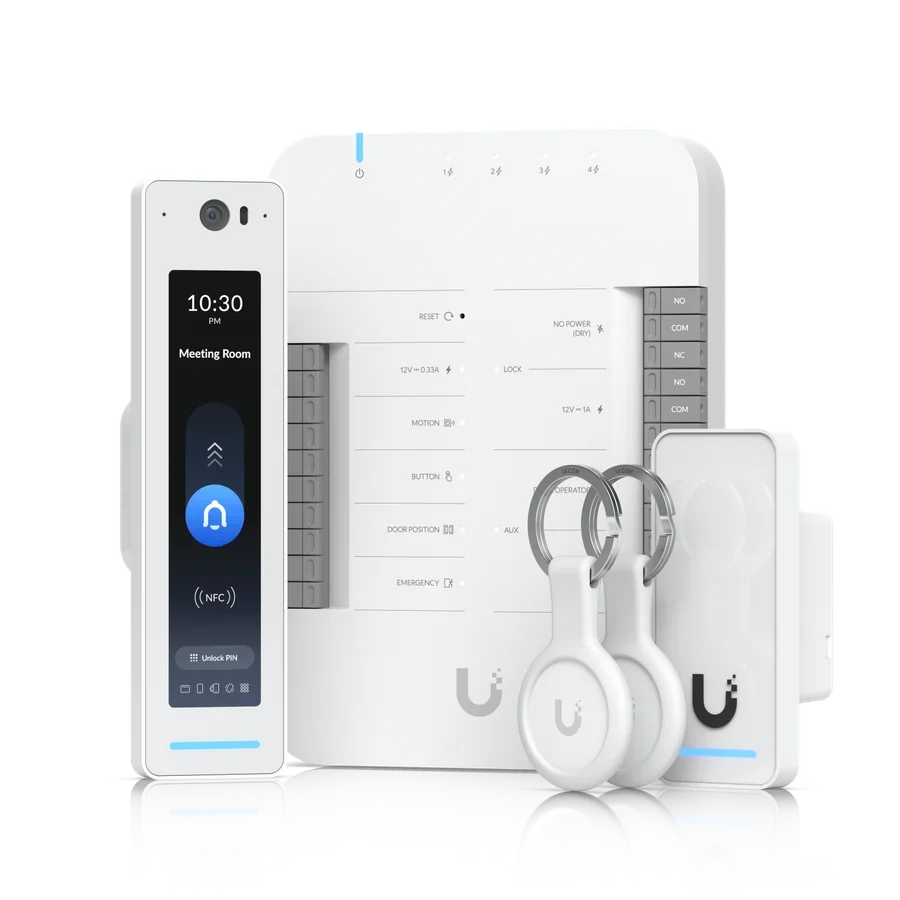
Door and gate projects begin with a hardware and site review. We define landlord approvals, required specialist work, and installation responsibilities before the project moves forward.
MEETING SPACE
together.
04 / Workplace audio & video
Make the space
work better.
From a meeting room to a customer-facing space, we connect displays, sound, and practical controls around the way the room will be used.
- 01Meeting and presentation spaces
Plan display placement, source connections, cable routes, and audio for the agreed meeting-room setup.
- 02Customer-facing environments
Consider background audio, separate listening zones, and business displays where they fit the space.
- 03A familiar daily routine
Test the installed connections and show your team how to use the agreed controls.
Different spaces. Different priorities.
What does your
business need?
Explore how a connected system can fit different workplaces. We build the actual plan around your property, people, and priorities.
Offices
A workplace that stays connected.
From the first video call to the last meeting, start with the connections your team relies on.
- Desks & meeting rooms
- Shared areas
- Visitors
Coverage for desks, meeting rooms, shared spaces, and visiting clients.
Agreed views of entrances, deliveries, and shared areas.
Staff permissions and schedules for compatible entry points.
Displays, presentation connections, and room audio planned together.
Retail & customer spaces
A better experience, front to back.
Plan for the systems behind service and the atmosphere your customers experience.
- Customer areas
- Staff systems
- Back of house
Connectivity for staff equipment and payment systems, with separate guest access where needed.
Coverage priorities around entrances, customer areas, stockrooms, and deliveries.
Defined staff access to compatible doors and restricted areas.
Background audio zones and customer-facing displays suited to the space.
These are planning examples, not preset packages. Your equipment, permissions, coverage, and installation scope are defined in your proposal.
The details behind a dependable system
Clean infrastructure.
A clearer next step.
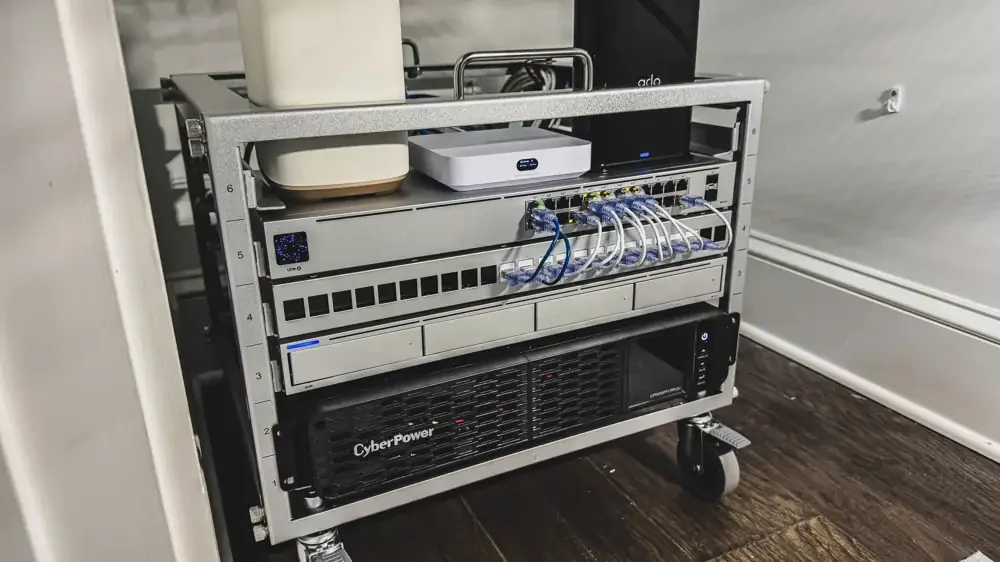
Good integration goes beyond the visible devices. We plan the cable routes, equipment location, power needs, and configuration that support the finished system.
- 01Defined before installation
Document what will be added, retained, replaced, or coordinated with other trades.
- 02Installed with the next step in mind
Consider labeling, equipment organization, available connections, and practical room for expansion.
- 03Tested and explained
Review the installed functions and walk through the everyday tasks your team will manage.
From the first conversation to daily use
A clear plan.
A considered rollout.
An office move, a new location, or an upgrade to an existing space deserves a plan that accounts for your working day.
- 01Discover
Understand the space.
Review the business, floor plan, existing equipment, pain points, and important dates.
- 02Design
Define the whole plan.
Specify equipment, cabling, configuration, responsibilities, and practical phases.
- 03Integrate
Coordinate the change.
Plan site access and expected interruptions, then install, configure, and test the agreed system.
- 04Handoff
Make the system yours.
Walk through controls, permissions, and everyday tasks with the people responsible for the system.
Tell us about operating hours, move-in dates, landlord requirements, and access restrictions early. We discuss scheduling and expected service interruptions before work begins.
Good questions. Clear answers.
Before we
get to work.
Practical answers about business networks, security cameras, access control, and the project itself.
Ask about my projectCan you upgrade an existing network?
Yes. We review the existing equipment and cabling, identify constraints, and recommend a defined upgrade scope. The proposal explains what will be retained or replaced.
Can employees and visitors use separate Wi-Fi?
Yes. We can plan separate staff and guest networks, with appropriate access rules for the systems included in the project.
Can installation be planned around business hours?
Tell us your operating hours and access restrictions. We will discuss scheduling and any expected service interruptions before work begins.
What should a tenant check before installation?
Confirm the property owner’s approval requirements for cabling, equipment mounting, and entry hardware. We can identify those work items during planning.
Can the project be completed in phases?
Yes. We can separate the proposal into practical phases, such as cabling and networking first, followed by cameras, access control, or A/V.
How much does business technology integration cost?
The scope determines the investment: property size, cabling conditions, access-point coverage, cameras, recording needs, entry hardware, and A/V all matter. Share your priorities, existing equipment, and timeline so we can define the work and prepare a project-specific proposal.
Will a better Wi-Fi system replace my internet provider?
No. Your internet provider supplies the connection to the property. The local network distributes that connection to your devices. We review both the internet handoff and the local network when planning improvements, because a Wi-Fi upgrade cannot fix every provider-side problem.
Can I view business cameras when I am away?
With a supported UniFi Protect setup, suitable user permissions, and working remote connectivity, you can view the system remotely. We configure the agreed access and show the authorized users how to review cameras and recordings.
Will locally recorded cameras keep recording during an internet outage?
A configured local recording system can continue recording without an internet connection while the cameras, local network, and recorder remain powered and connected. Remote viewing and cloud-dependent features may be unavailable during the outage. Backup power is a separate design consideration.
Do you integrate meeting-room displays and business audio?
Yes. We plan displays, source connections, meeting-space A/V, and audio zones around the workplace. The proposal defines the equipment and functions included, and the handoff covers the installed controls.
Local expertise. Thoughtful integration.
Let’s build a
better workday.
Tell us what is changing, what is getting in the way, and what you want your technology to do next.
Based in Marietta. Serving Atlanta, Roswell, Sandy Springs, Smyrna, Alpharetta, Milton, Woodstock, Acworth, and surrounding Metro Atlanta communities.
Explore where we workA good place to start.
- Your space
Property address, business type, approximate size, and whether you own or lease.
- Your priorities
Connection issues, camera coverage, entry points, A/V needs, and equipment you want us to assess.
- Your timeline
Opening dates, move dates, renovation plans, and any installation-hour restrictions.